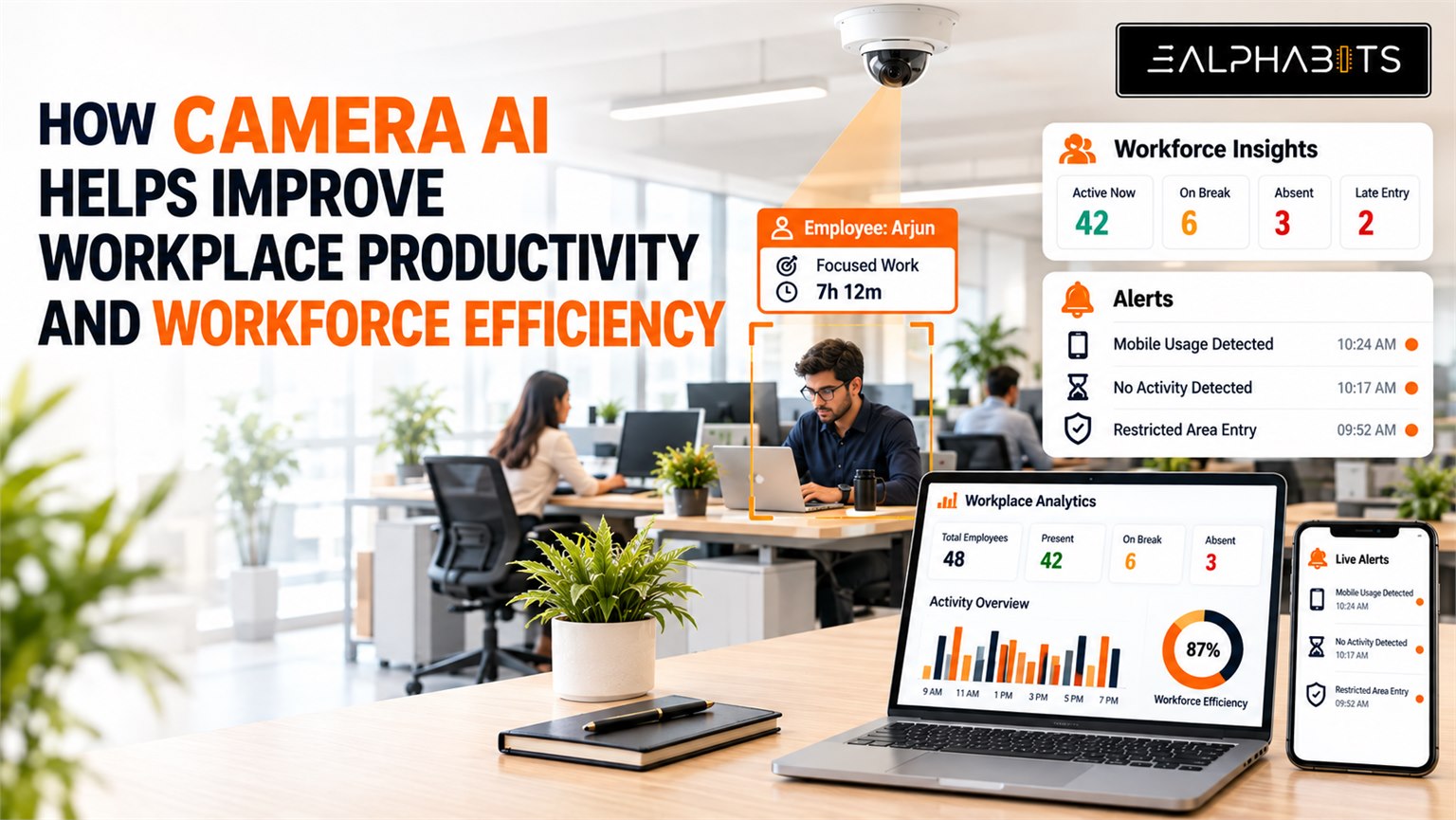
Workforce efficiency is not only about how many hours employees spend at work. It also depends on attendance, workplace presence, breaks, restricted-area compliance and how efficiently teams use their working hours.
For many businesses, tracking these activities still involves manual attendance systems, employee registers, biometric devices, spreadsheets and periodic supervision.
These methods can record basic attendance, but they provide limited visibility into what happens throughout the working day.
Camera AI can turn existing CCTV infrastructure into an intelligent workplace monitoring system that helps businesses automate attendance, identify specific workplace events, generate alerts and provide management with useful operational insights.
Instead of using cameras only for recording, Camera AI can analyze defined events in real time and help teams respond when specific conditions are detected. If you are new to that analysis layer, How Camera with AI Works walks through it step by step.
From CCTV Monitoring to Workforce Intelligence
Traditional CCTV primarily records what happens inside an office. Reviewing that footage usually happens after an incident or when management needs to investigate something.
Camera AI changes this approach.
Existing cameras can be connected to a Camera AI system that analyzes video feeds and detects predefined events. E-Alphabits supports existing IP cameras through RTSP and ONVIF and can also integrate most analog cameras through DVR or NVR bridges.
For workplaces, this can create a connected system for:
- Automated attendance
- Late entry detection
- Early leaving detection
- Workplace presence monitoring
- Restricted-area monitoring
- Mobile usage monitoring
- Break-time tracking
- Focus-time monitoring
- Real-time alerts
- Management dashboards
- Team-level insights
The objective is not to constantly watch employees. It is to create measurable visibility around specific workplace activities defined by the organization.
Automated Attendance Using Existing CCTV
One of the most practical applications is Camera AI attendance automation.
Instead of manually marking attendance or depending entirely on separate attendance devices, the system can use existing workplace cameras.
How it works
The process starts with employee registration.
Employees who need to be included in the attendance system are registered in advance. Once registration is completed, the Camera AI system can identify registered individuals when they appear within the configured camera area.
This creates an automated attendance record without requiring employees to manually mark their presence.
Face-based attendance is already among the workplace and education use cases supported by E-Alphabits Camera AI.
Late Entry and Early Leaving Detection
Attendance does not end with knowing whether an employee arrived.
For many organizations, working schedules also involve defined entry and exit timings.
Camera AI can help identify when registered employees:
- Arrive after the configured start time
- Leave before the configured end time
- Enter or leave during restricted periods
- Remain absent during expected working periods
This information can be reflected in management dashboards and used for internal review.
The important point is that the organization can define the relevant timing rules based on its own working schedule.
Not-at-the-Desk Monitoring
Another workplace use case is monitoring whether an employee remains away from their assigned workstation beyond a defined period.
For example, an administrator can configure a time threshold.
If an employee is not detected at the assigned workstation for longer than that defined period, the system can generate an alert for the authorized administrator.
This can help identify patterns such as:
- Extended unplanned absence from the workstation
- Repeated desk absence
- Workplace coverage gaps
- Operational areas that require additional attention
The system is based on configured rules rather than continuously judging employee behavior.
Mobile Usage Detection
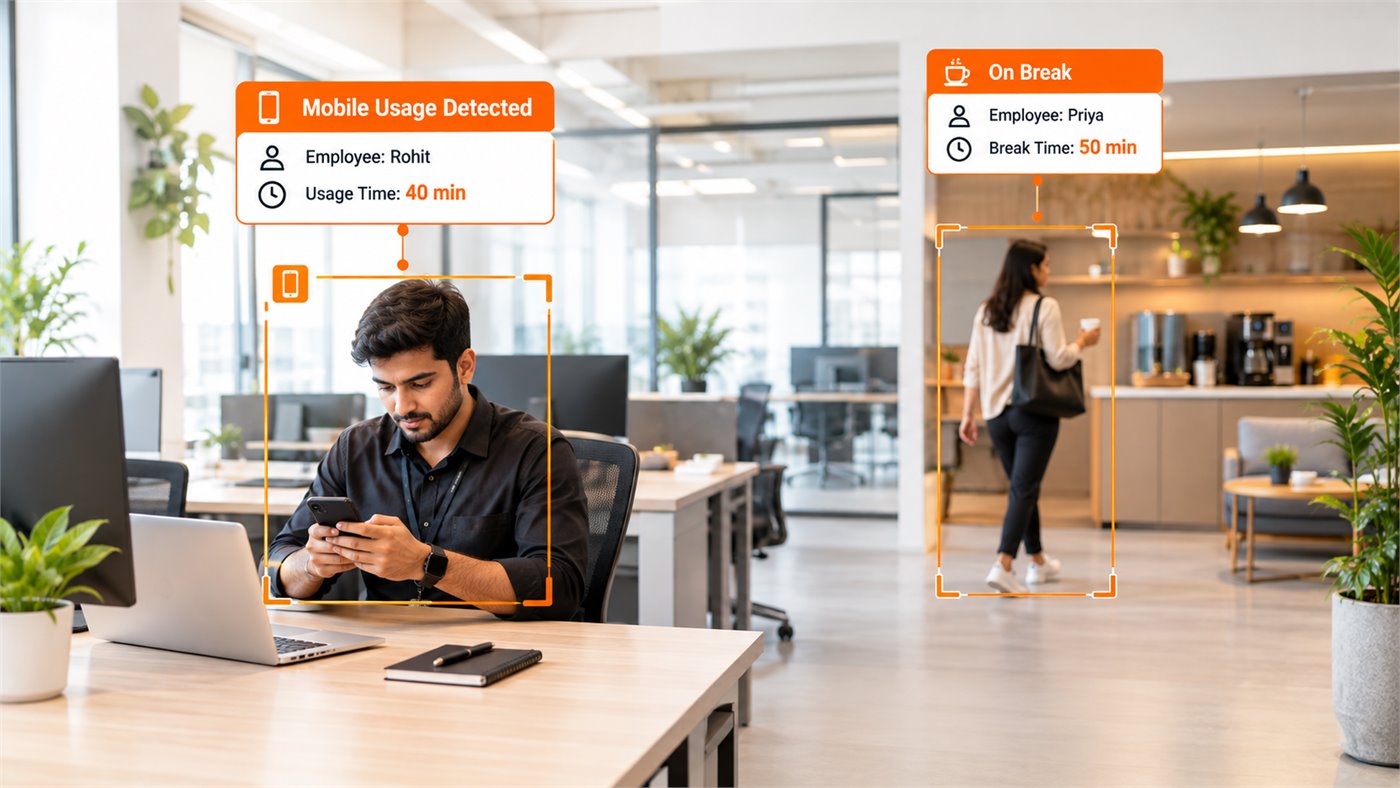
Mobile phone usage can also be configured as a workplace monitoring use case where business policies require it.
For example, an organization may define a specific time period during which mobile usage should not occur in a particular work area.
Camera AI can detect the configured event and generate an alert when the defined condition is met.
This can be particularly relevant in environments where employees need to remain focused on operational tasks or where mobile usage creates safety or productivity concerns.
The rules can be configured according to the workplace environment rather than applying the same monitoring settings to every employee or department.
Break-Time and Focus-Time Insights
Workplace efficiency is not about eliminating breaks.
Breaks are a normal part of a productive work environment. The challenge for management is understanding whether workplace schedules are being followed consistently.
Camera AI can help organizations define specific time windows for:
Break time
Configured periods when employees are expected to be away from their workstations.
Focus time
Configured periods when employees are expected to remain engaged in their designated work area.
These insights can help management understand workplace patterns without relying entirely on manual observation.
The purpose is to provide operational visibility rather than replace managers or HR teams.
Restricted Area Monitoring
Offices may have areas that are accessible only to specific employees or departments.
Examples include:
- Server rooms
- Record rooms
- Management offices
- Equipment rooms
- Restricted operational areas
Camera AI can monitor these areas and detect unauthorized entry based on configured rules.
When a restricted-area event occurs, an alert can be sent to the appropriate person or security team.
This extends Camera AI beyond workforce management into workplace security and access monitoring.
Real-Time Alerts for Immediate Response
Identifying an event is only useful if the right person receives the information quickly.
E-Alphabits Camera AI supports multiple alert channels for workplace monitoring:
- Mobile app alert
An administrator receives the alert directly through the designated mobile application. - WhatsApp alert with live screenshot
The notification carries the event details along with a live or event-based image, so the recipient can see what triggered it. - Text message alert
SMS notifications for when a quick message is all that is required. - BLE speaker
An audible alert played within the relevant workplace area. - SIP siren
A SIP-based siren for situations where an immediate audible response is required.
This allows businesses to select the alert method according to the type of event and workplace environment.
Dashboards for Workforce and Team Insights
One of the biggest advantages of Camera AI is moving from individual events to broader operational insights.
A management dashboard can bring relevant workplace information into one view.
Instead of reviewing individual CCTV recordings, managers can work with structured event information.
E-Alphabits’ Camera AI platform is designed to provide searchable events, analytics, dashboards and integrations rather than relying only on recorded footage. For organizations that want this packaged as a ready deployment, Workplace AI brings attendance automation, productivity measurement and HRMS integration together, fully on-premise.
Why Use Existing CCTV?
Many workplaces already have cameras installed throughout offices, entrances, corridors and other operational areas.
Replacing the entire camera infrastructure simply to introduce intelligent monitoring can be unnecessary.
Camera AI can connect to compatible existing cameras and add an intelligence layer to the current setup.
This provides a practical path from:
Existing CCTV → Camera AI → Detection → Real-Time Alert → Dashboard → Action
E-Alphabits specifically positions its Camera AI around existing camera infrastructure, with no camera replacement required for compatible deployments.
The cameras you already own are the starting point
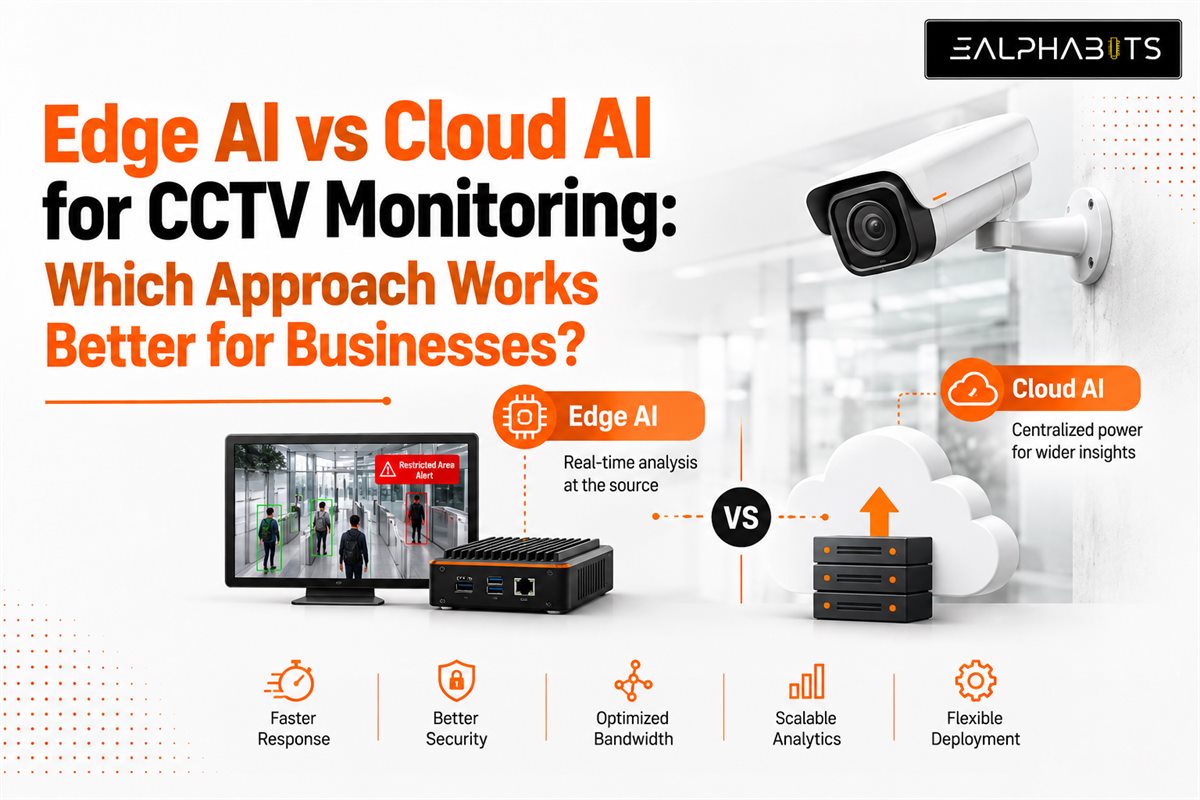
See Adding AI to Existing CCTV for how the intelligence layer is connected to IP, analog, DVR and NVR setups, and Edge AI vs Cloud AI for where the processing can sit so footage never has to leave the building.
Conclusion
Workforce efficiency requires more than knowing who entered an office and when.
Businesses need better visibility into attendance, punctuality, workplace presence, restricted areas, break patterns and other operational activities.
E-Alphabits’ Camera AI solution can help transform existing CCTV into an intelligent workplace monitoring system that detects configured events, sends real-time alerts and turns video activity into structured information for management.
From automated attendance and late-entry detection to desk presence, mobile usage, restricted-area monitoring, dashboards and team insights, multiple workplace requirements can be brought together through one Camera AI solution.
The goal is not simply to monitor employees. It is to create better operational visibility, faster response and more informed workforce management using the camera infrastructure already in place.
Frequently Asked Questions
Can Camera AI automate employee attendance?
Yes. Registered employees can be identified through configured cameras and attendance records can be generated automatically, without anyone marking their presence manually.
Can administrators set the time for desk absence alerts?
Yes. A defined time threshold can be configured for workstation presence monitoring. If an employee is not detected at the assigned workstation for longer than that period, the system generates an alert.
Can alerts include an image of the detected event?
Yes. Depending on the deployment and alert configuration, event notifications can include relevant visual evidence, such as a live or event-based screenshot sent over WhatsApp.
Can existing office CCTV cameras be used?
Yes. Compatible existing IP cameras can be connected through RTSP and ONVIF, and most analog cameras through DVR or NVR bridges, so businesses do not necessarily need to replace their current camera infrastructure.
Can multiple workplace use cases run through the same system?
Yes. Attendance, workplace presence, restricted areas, safety monitoring and other supported use cases can be configured within the same Camera AI deployment.